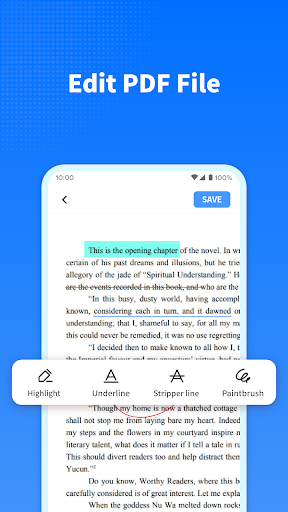
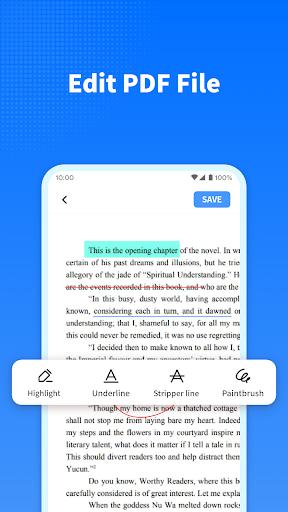
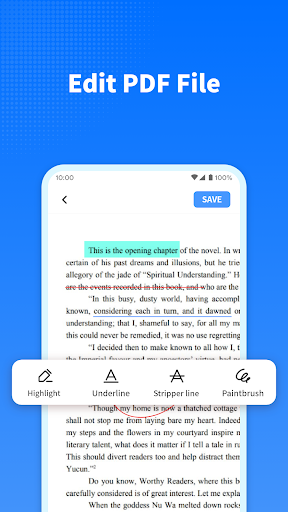
1. Annotation Versatility: PDF Note Reader allows users to highlight, underline, and add sticky notes, making it easy to annotate and organize thoughts directly on the document.
2. Cross-Platform Compatibility: The application seamlessly works across various devices and operating systems, ensuring users can access and edit their PDFs anytime, anywhere.
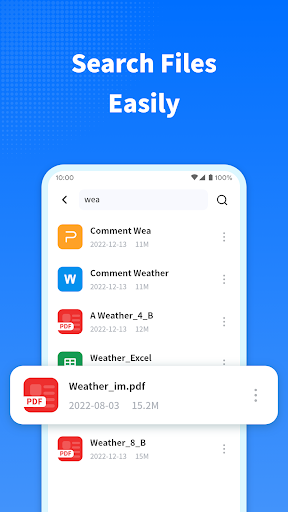
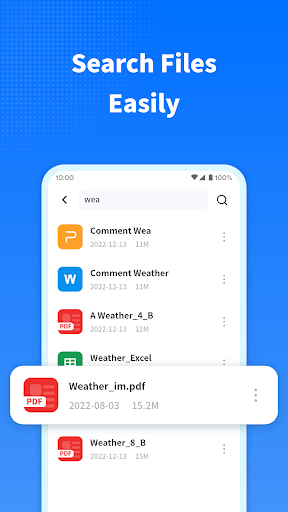
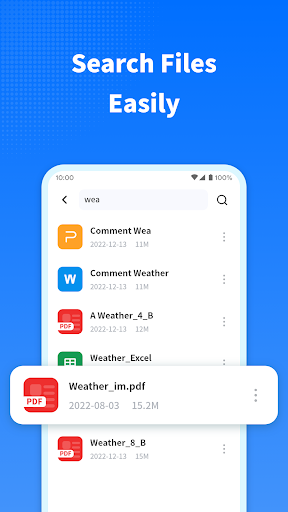
3. Advanced Search Functionality: Its robust search capabilities enable users to quickly locate specific words, phrases, or annotations within large documents, enhancing productivity and efficiency.
1. Limited Editing Capabilities: PDF Note Reader lacks advanced editing features, restricting users to basic annotations without the ability to modify existing text or images within the document.
2. Poor User Interface: The application has a cluttered and unintuitive interface, making navigation and finding specific tools cumbersome for users.
3. Compatibility Issues: It struggles with opening and accurately displaying PDFs created by other software, leading to potential formatting errors and reduced usability.