FullReader is a multifunctional e-book reader app. It is suitable for opening PDF and DjVu files, magazines, comics and also for listening to audiobooks and working with documents on smartphones and tablets.
SUPPORTED FORMATS
fb2, ePub, txt, PDF, doc, docx, cbr, cbz, rtf, DjVu, DjV, html, htm, mobi, xps, oxps, odt, rar, zip, 7z, MP3.
CONVENIENT AND STYLISH INTERFACE
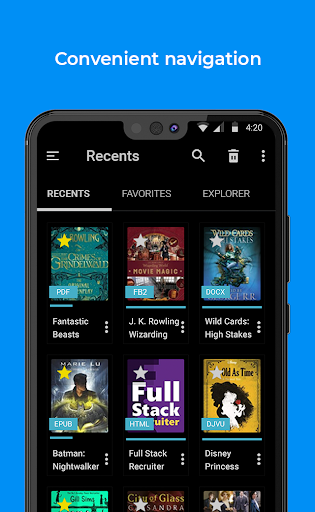
This Android book reader has user-friendly interface with clear navigation and convenient layout of all options and tools. Choose either classic light theme or brand new black theme which is energy efficient for AMOLED displays. Select how to display book covers - in the list or in tiles.
FILE MANAGER
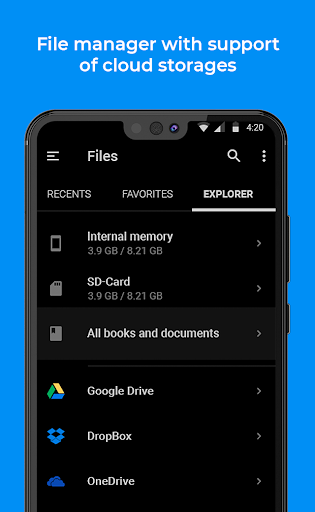
Enjoy convenient Explorer that allows to scan device memory and find all supported file formats, search for books according to various criteria and considering additional parameters and benefit from full-featured toolset for operations with files.
MY LIBRARY
The e-book reader section with convenient and well-structured book sorting according to various criteria. It offers an option to create a list of Favorites and your own personal book Сollections.
CLOUD STORAGES
FullReader offers integration into Google Drive, Dropbox and OneDrive so that you can save storage space on your smartphone or tablet and synch your books between several devices.
OPDS-CATALOGUES
Use this Android book reader to add your favorite online libraries and download necessary books directly without leaving the app!
CUSTOMIZABLE TOOLBAR
Switch the tools and their position on the toolbar in the reading window according to your needs and preferences.
READING ALOUD
Benefit from this e-book reader option and the variety of customizable parameters: TTS engine, speed and tone of reading, voice and color of highlighting of the currently read text fragment.
BUILT-IN TRANSLATOR
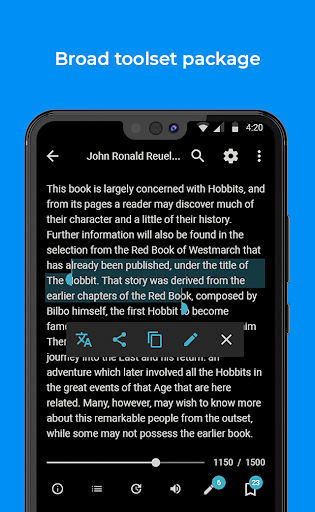
The translator integrated into FullReader supports 95 languages and does not require an installation of any additional dictionaries.
NOTES AND BOOKMARKS
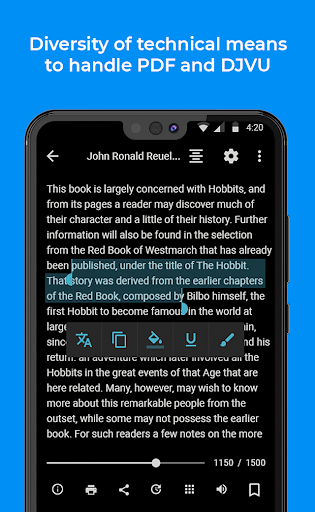
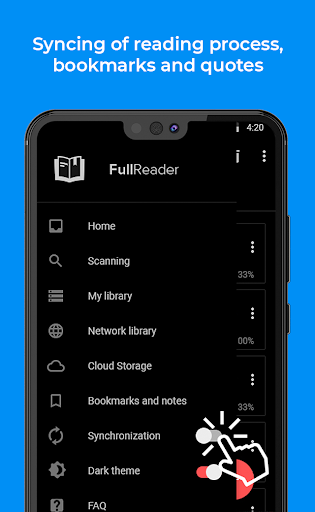
Create colorful notes in the text highlighting the important fragments and make bookmarks on interesting pages! Manage all your notes and bookmarks in the reading window or from a special menu section within the book reader app. All notes are grouped by books and can be exported into the separate document. Now bookmarks can be added in audiobooks as well!
DAY/NIGHT MODES
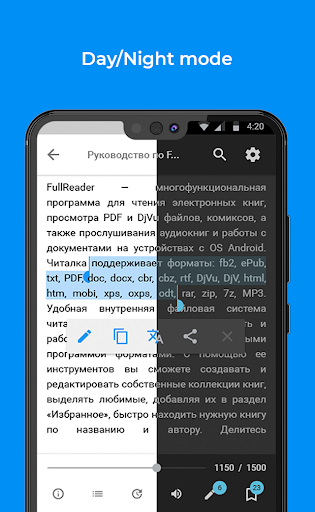
FullReader offers optimal color schemes for reading window so that you can enjoy your favorite e-books in different daytime. There is also an option allowing to set automatic switch of modes.
TAP-ZONES
Set a quick access to certain options and tools of the e-reader app right during reading process.
SETTINGS
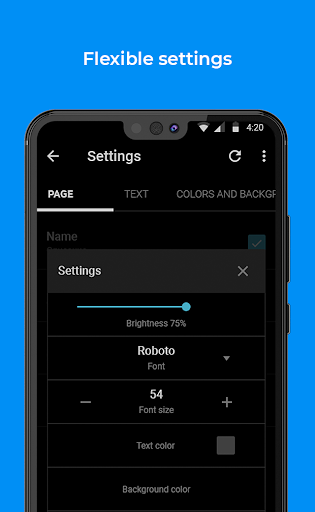
This book reading app offers wide settings which are divided into quick (available in the reading window), advanced and general. Brightness control option is represented in a form of widget that can be invoked right in the reading window.
BOOK INFO
The section which contains detailed book info, tools for basic operations with book and allows to edit and add new info.
MP3
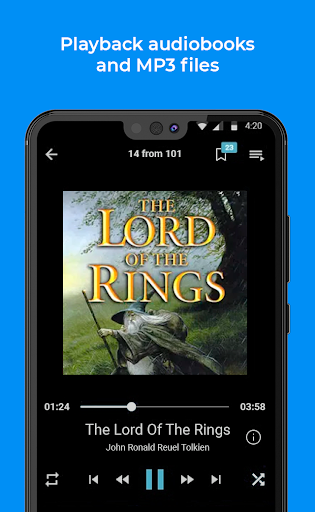
FullReader supports audiobooks in MP3 format. You can not only play audiobooks, but also make bookmarks while playback, create your own playlists and control overall reading process.
WIDGETS AND BOOK SHORTCUTS
Create book shortcuts and use widgets for quick navigation to reading window right from the display of your device.
LOCALISATION
This Android e-reader is entirely adapted and translated into such popular worldwide languages: Russian, Ukrainian, English, German, French, Spanish, Portuguese, Italian, Vietnamese.
THE USER SUPPORT
We care about every user of our e-book reader especially the ones who are adequate and fair! :) We appreciate all your feedbacks and we are always ready to answer your questions and comments.
If you’re an Android user and don’t download the app from the official Google Play Store, you may find the installation process more complicated than usual.
But we are delighted to inform you that you don’t need to worry. To ensure you could install this app smoothly, we have written and uploaded a detailed tutorial. It would guide you on installing an app after downloading it from our website step by step, with the help of pictures.
You may find this helpful article on the downloading site, or visit How to install APK/XAPK files on Android.
If you need further help, please do not hesitate to contact us via email [email protected].
We fully understand your concern about safety. We agree that one person wouldn’t be too careful in the cyber world. Meanwhile, we are happy to tell you that one of our priorities is to provide our users with safe app files that they can use without any worries.
We guarantee that all the app files we provided originate from official and reliable sources. We promise that they do not contain any malware that will harm your hardware or the safety of your privacy.
We are glad to let you know that the vast majority of apps on our website are available for free download. Only a small selection of apps require payment, and their prices are set solely by the respective developers—we simply provide an official and secure download platform.
Rest assured, whether an app is free or paid, every download link on our site is verified and completely safe. You can download with confidence, and no account registration is needed—just click the download button and you're all set!
Recently we received a lot of emails from our users, which said they couldn't log in for different reasons, such as "forgot the user name or password" or "had a new phone." We are willing to help you out. Please read the notes below to see what we can do.
To answer this question, please first let us know which account you’re referring to.
If you're referring to your account of some app, like your Facebook account or your Youtube account. Unfortunately, we would not be able to help in this case. We would suggest you turn to the customer service of this application.
If you’re referring to your Appurse account, we should apologize for your confusion since there is no Appurse account. We never require registration for our service, and you will not find any procedure related to creating an account or registering on our website.
This question is essentially quite similar to the prior one. It’s a pity that we are unable to help you to cancel the subscription to a third-party application directly, while we would suggest you to contact its customer service for further information.
Sorry that we are unable to help you to get a refund from a third-party application directly. If you wish to get a refund from a third-party app, we would suggest you to contact its customer service. We would be happy to provide you the way to contact them.
If you want a refund from us, we should apologize for your confusion. Our service is 100% free, and any payment information is not required.
If you run into any site that asks you to provide your payment information, be careful. Remember never reveal your payment information to any unauthorized third parties, no matter how attempting their offer may seem.
Sorry that we cannot answer this question directly, for this only aims to answer some general questions. You may find how to use a certain app by checking our review page.