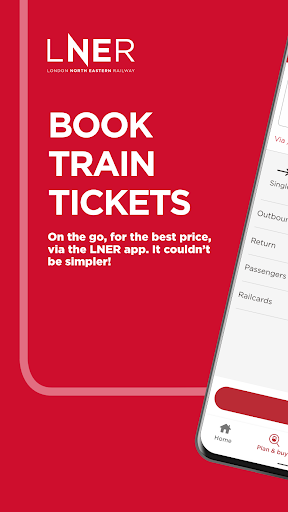
Download the official LNER App to check train times and buy cheap train tickets on any train line in Britain – and we don’t charge booking fees.
We are the official train operator of the East Coast Main Line. Our Azuma trains run between London and Scotland, stopping at stations across the East Coast including London King’s Cross, Peterborough, York, Leeds, Newcastle and Edinburgh Waverly.
Looking for cheap train tickets in Great Britain? We’ve made it easier to buy train tickets to any destination in Britain through the LNER App. Plan your journey in the LNER app to travel safely and with confidence.
• Contactless travel with eTickets
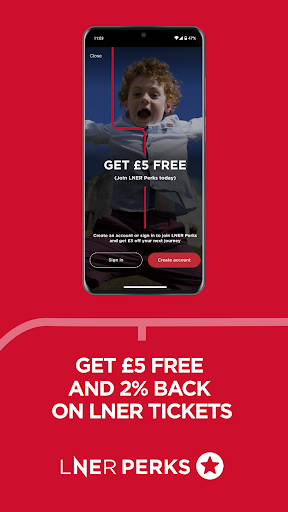
• Join LNER Perks and get £5 free to spend on LNER journeys plus benefit from 2% back on LNER journeys
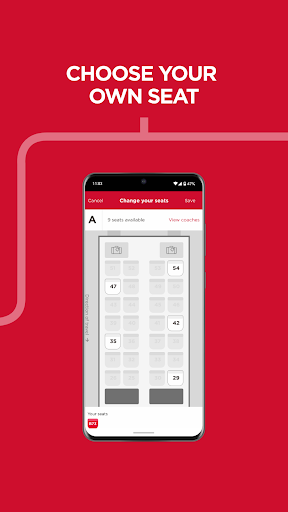
• Choose your favourite seat onboard
• Journey update notifications and quick and easy access to your ticket
• Get discounted tickets when you book together (when we can) for groups 3-9
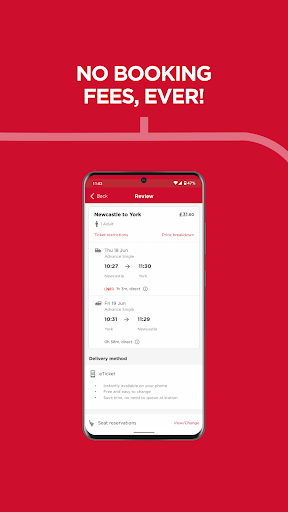
• And of course, no booking fees, ever!
LNER is more than your train tickets, it’s the way to travel.
Here’s our favourite features to save money on your train tickets:
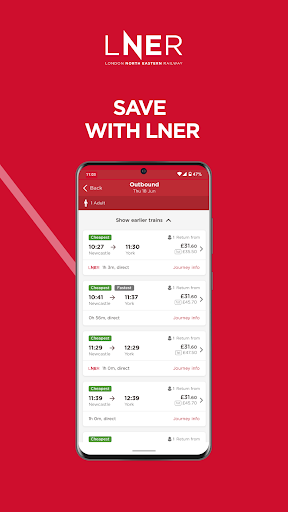
Our app checks all available train tickets and gives you the best price up front, first time. If you do find the same ticket for an LNER train cheaper somewhere else, you’re covered by our Price Promise and we’ll refund the difference.
Meet LNER Perks, our new loyalty scheme, where you get £5 free when you join and 2% credit back on every LNER train journey no matter where you book or how often you travel. There will be surprises and treats along the way, and you can spend your credit on future LNER train tickets. Join LNER Perks in our app and let the rewards add up.
Kind of the minimum you expect from a train app, right? You'll never pay booking fees when you download our train ticket app. What you see is what you pay.
Our favourite features to make your travel experience as quick and easy as possible:
Whether you have a favourite seat or you just want to make sure you’ve got a table to eat your bacon sandwich at, the LNER app makes it quick and easy to choose your spot onboard.
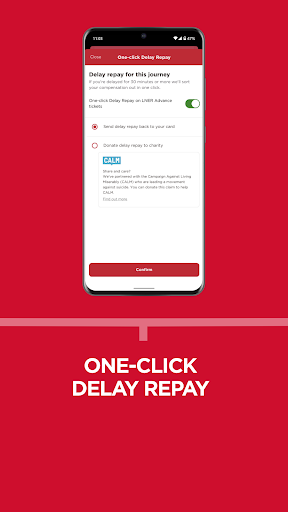
We know you don’t like it when trains are delayed, we don’t either! But wouldn’t it feel better if you knew before getting to the station? That way, you’ve got time for an extra drink in the pub or to pick up a coffee. LNER Assistant tells you what platform your train will be on, if there’s any changes to your journey and helpful information like changes to food & drink onboard.
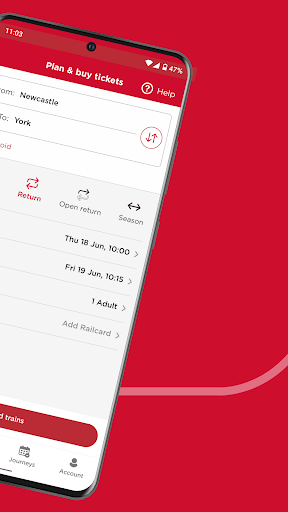
Choose your departure station and destination in just a few taps. When you’re searching for a ticket, we’ll suggest the nearest stations to you based on your location.
Whether you’re booking a last-minute ticket on the platform or you can’t find your card, one-click payments make life easier. Choose to remember your payment details for next time.
LNER (London North Eastern Railway) replaced Virgin Trains East Coast in 2018. Our history dates back to GNER (Great North Eastern Railway).
If you’re an Android user and don’t download the app from the official Google Play Store, you may find the installation process more complicated than usual.
But we are delighted to inform you that you don’t need to worry. To ensure you could install this app smoothly, we have written and uploaded a detailed tutorial. It would guide you on installing an app after downloading it from our website step by step, with the help of pictures.
You may find this helpful article on the downloading site, or visit How to install APK/XAPK files on Android.
If you need further help, please do not hesitate to contact us via email [email protected].
We fully understand your concern about safety. We agree that one person wouldn’t be too careful in the cyber world. Meanwhile, we are happy to tell you that one of our priorities is to provide our users with safe app files that they can use without any worries.
We guarantee that all the app files we provided originate from official and reliable sources. We promise that they do not contain any malware that will harm your hardware or the safety of your privacy.
We are glad to let you know that the vast majority of apps on our website are available for free download. Only a small selection of apps require payment, and their prices are set solely by the respective developers—we simply provide an official and secure download platform.
Rest assured, whether an app is free or paid, every download link on our site is verified and completely safe. You can download with confidence, and no account registration is needed—just click the download button and you're all set!
Recently we received a lot of emails from our users, which said they couldn't log in for different reasons, such as "forgot the user name or password" or "had a new phone." We are willing to help you out. Please read the notes below to see what we can do.
To answer this question, please first let us know which account you’re referring to.
If you're referring to your account of some app, like your Facebook account or your Youtube account. Unfortunately, we would not be able to help in this case. We would suggest you turn to the customer service of this application.
If you’re referring to your Appurse account, we should apologize for your confusion since there is no Appurse account. We never require registration for our service, and you will not find any procedure related to creating an account or registering on our website.
This question is essentially quite similar to the prior one. It’s a pity that we are unable to help you to cancel the subscription to a third-party application directly, while we would suggest you to contact its customer service for further information.
Sorry that we are unable to help you to get a refund from a third-party application directly. If you wish to get a refund from a third-party app, we would suggest you to contact its customer service. We would be happy to provide you the way to contact them.
If you want a refund from us, we should apologize for your confusion. Our service is 100% free, and any payment information is not required.
If you run into any site that asks you to provide your payment information, be careful. Remember never reveal your payment information to any unauthorized third parties, no matter how attempting their offer may seem.
Sorry that we cannot answer this question directly, for this only aims to answer some general questions. You may find how to use a certain app by checking our review page.