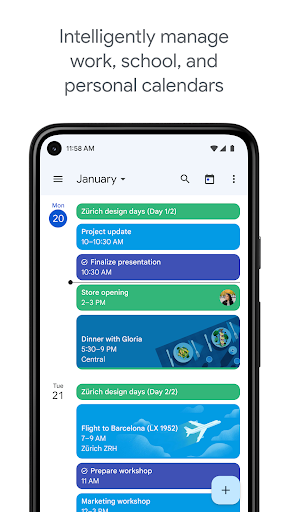
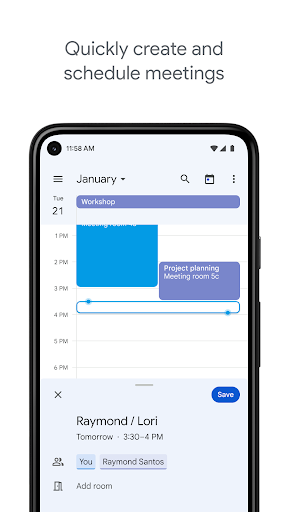
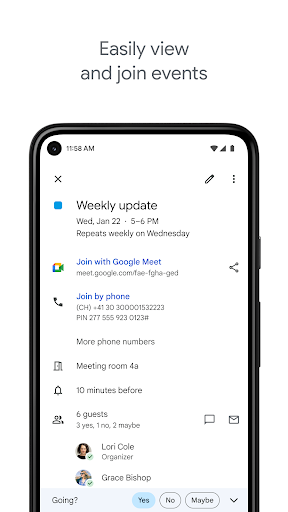
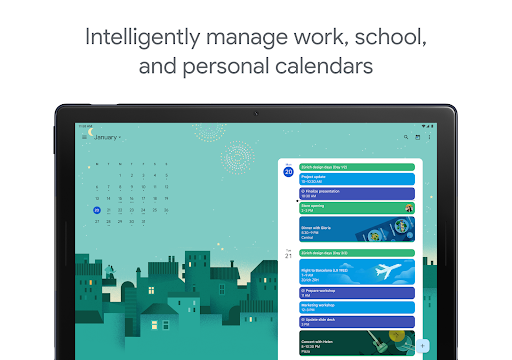
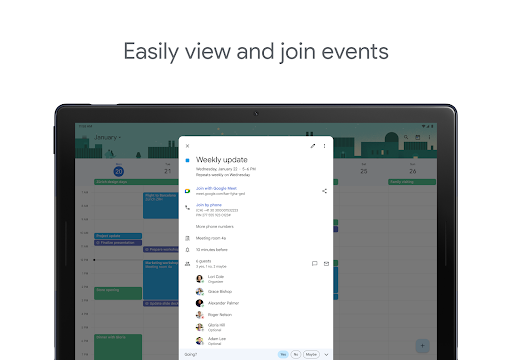
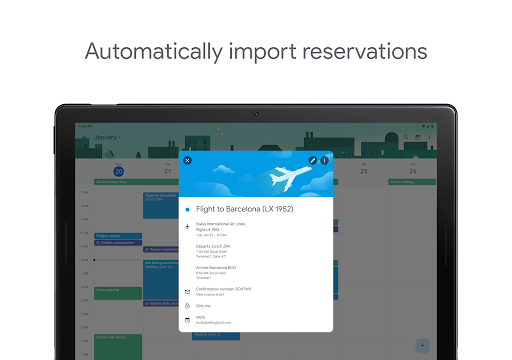
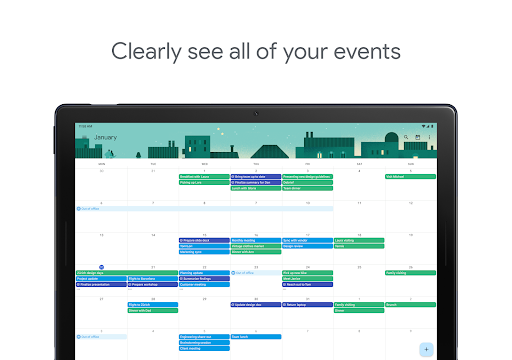
Google Calendar is an essential app that helps users to save important dates and add tasks. As a super powerful organizational tool, Google Calendar not only keeps users’ personal schedules organized but also provides group functions like exact meeting time and place, working status and more. Users can also share their schedule with co-workers, families, and friends.
Apart from its essential calendar features, it also enables users to set reminders, send invitations and keep instant track of RSVPs. It supports users to sync Google Calendar with Microsoft Outlook and Apple iCal. With no fancy decorations, it performs the best among all the similar apps.
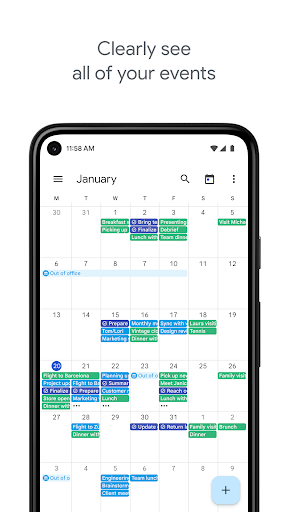
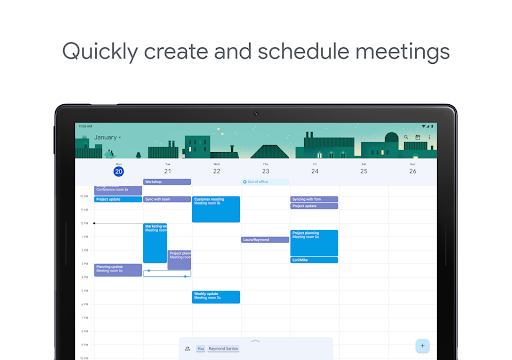
Different ways to view your calendar – quickly switch between month, week and day views.
Create multiple, color-coded calendars for a better organization.
Share your Calendar with others under different permission rights ( view only, edit and admin...).
Many keyboard shortcuts can be used to perform the task.
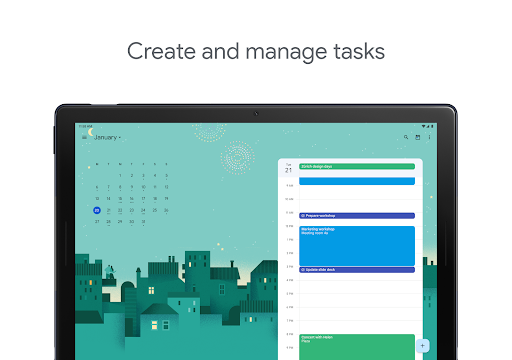
The Gmail Tasks to-do list is also available from Google Calendar.
Add some personal goals and Calendar will plan for you automatically.
Get yourself a daily agenda email: Click the little gear in the top-right corner, then go to settings to choose Calendars tab, click Edit notifications, and choose the box next to Daily Agenda.
Add holidays and other information to Calendar: click the little expand arrow to the right of the Other calendars, and you will find some interesting Calendars.
Quick edit: Click the triangle beside the Create button, the Quick Add box will pop out to let you add a quick Event.
Add someone else's calendar to yours: Click the arrow next to Other calendars and Add others calendar under their permission.
Dark Mode can help reduce smartphone battery usage and prevent eye strain from digital devices.To enable dark mode in Google Calendar, users can go to Settings > General > Theme, and then choose a theme style between “Light,” “Dark” or “Set by Battery Saver.“ The app will refresh with the selected option.