Life360 is a family networking app designed to keep families connected and safe. Launched in 2008, it offers features that allow users to create private circles with family members and friends, enabling real-time location sharing, communication, and safety alerts. With features like location tracking, driving analysis, and emergency assistance, Life360 aims to provide peace of mind for families by helping them stay connected and informed about their loved ones' whereabouts.
Pros:
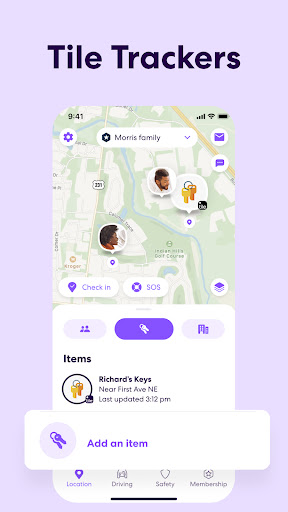
Real-Time Location Sharing: Life360 enables users to see the real-time location of family members on a private map, making it easy to stay connected and aware of each other's whereabouts.
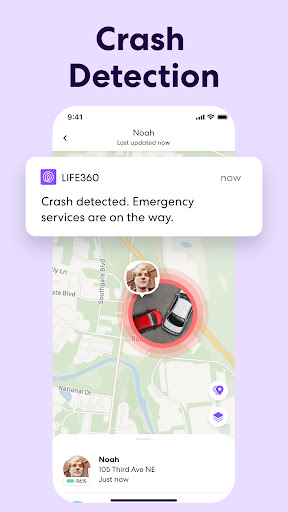
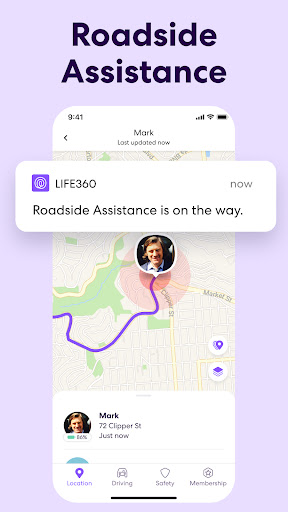
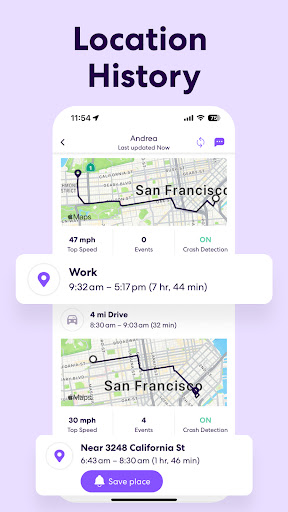
Driving Analysis and Safety Features: The app includes features like driver reports, crash detection, and roadside assistance, promoting safe driving habits and providing added security on the road.
Customizable Circles and Notifications: Users can create custom circles for different groups, set up location-based alerts, and receive notifications for arrivals and departures, enhancing communication and coordination within the family.
Cons:
Privacy Concerns: Some users may have privacy concerns about constant location tracking and sharing within the app, leading to potential privacy issues.
Battery Drain: Due to the nature of continuous location tracking, Life360 can consume a significant amount of battery life, especially on older devices.
Subscription Costs: While the basic features of Life360 are free, some advanced features such as crash detection and roadside assistance require a subscription, which may deter some users.
Related Queries:
How to add family members to Life360?
To add family members on Life360, open the app, go to the "circles" tab, and select "add circle member." Enter the contact information of the family member you want to add.
Can you track a lost phone with Life360?
Yes, Life360 allows users to track lost phones as long as the app is installed and location services are enabled on the device.
How to turn off location sharing on Life360?
To turn off location sharing on Life360, go to the app settings, select the circle you want to adjust, and toggle off the location sharing option for specific members.