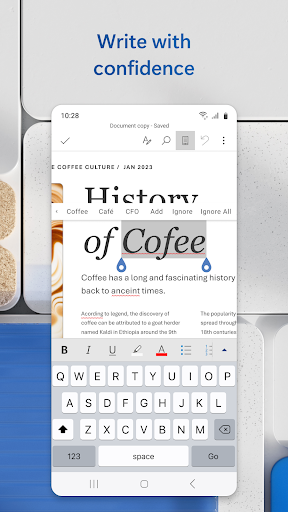
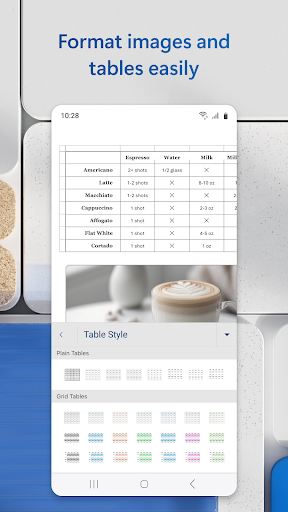
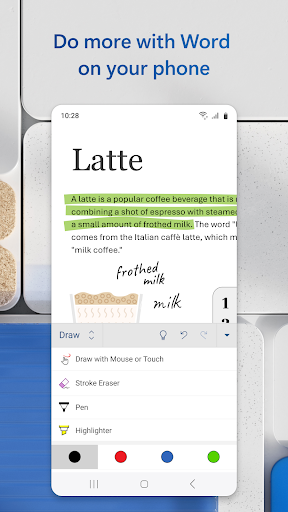
Microsoft Word is a widely used and versatile word processing application developed by Microsoft Corporation. Available on various platforms, including Windows, macOS, iOS, and Android, Microsoft Word allows users to create, edit, and format documents with ease. With a wide range of features for both personal and professional use, Word has become a go-to tool for individuals, students, businesses, and organizations worldwide.
Pros:
Powerful Document Creation Tools: Microsoft Word offers a comprehensive set of tools for creating documents, including formatting options, templates, styles, and design elements, making it easy to produce professional-looking documents.
Integration with Microsoft Office Suite: Word seamlessly integrates with other Microsoft Office applications like Excel and PowerPoint, allowing for smooth collaboration and compatibility across different file formats.
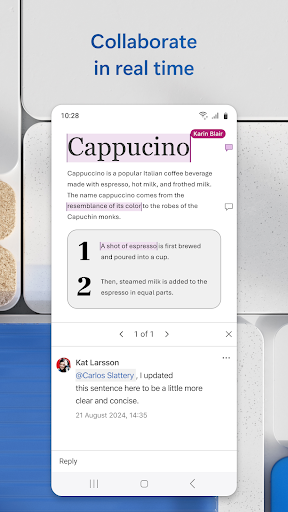
Cloud Storage and Collaboration: Users can save their documents to cloud storage services like OneDrive or SharePoint, enabling easy access from multiple devices and facilitating real-time collaboration with others on the same document.
Cons:
Subscription Requirement for Full Features: While Word offers a free version with basic features, access to advanced functionalities like advanced editing tools and cloud storage may require a subscription to Microsoft 365, which could be a drawback for users looking for a completely free word processing solution.
Complex Interface for New Users: The extensive features and options in Microsoft Word may overwhelm new users, leading to a learning curve in mastering the application's full potential.
File Compatibility Issues: Users may encounter compatibility issues when sharing Word documents with individuals using different software, especially when formatting and layout may not translate correctly between different platforms.
How to track changes in Microsoft Word?
To track changes in Microsoft Word, go to the "Review" tab, click on "Track Changes," and make edits to the document. All changes will be highlighted, and you can review or accept/reject them individually.
Can you convert a PDF to Word in Microsoft Word?
You can convert a PDF to Word in Microsoft Word by opening the PDF document, selecting "Save As," choosing the Word format, and saving the file as a .docx document.