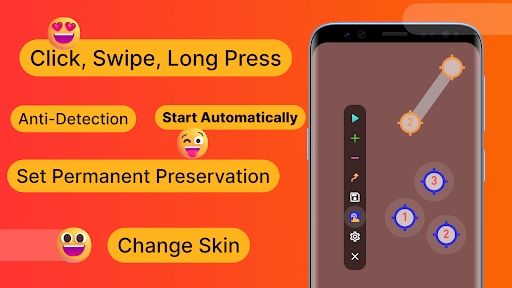
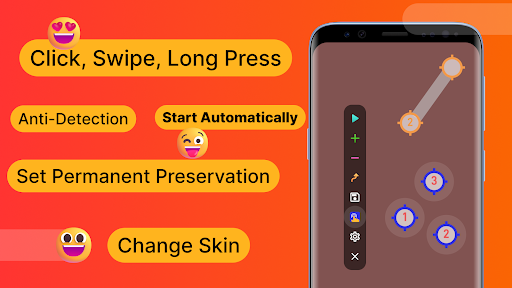
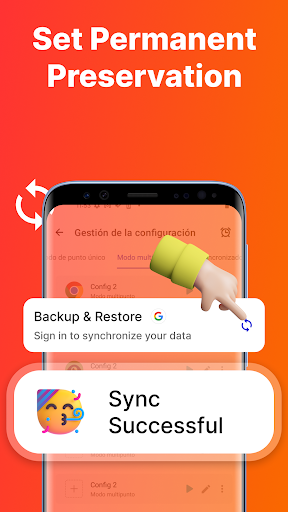
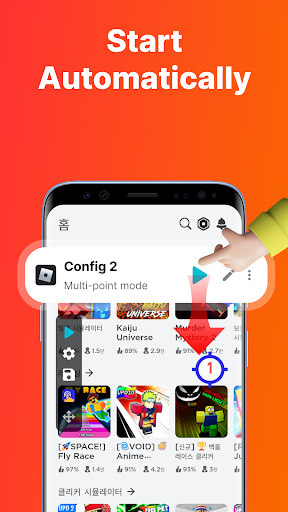
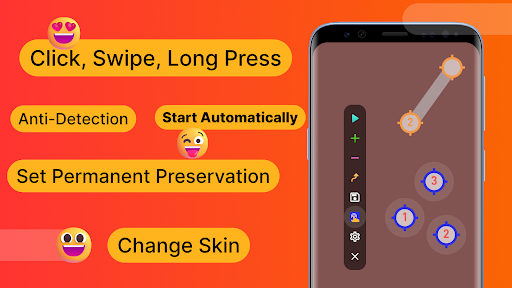
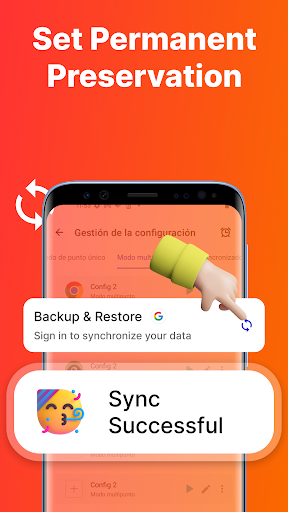
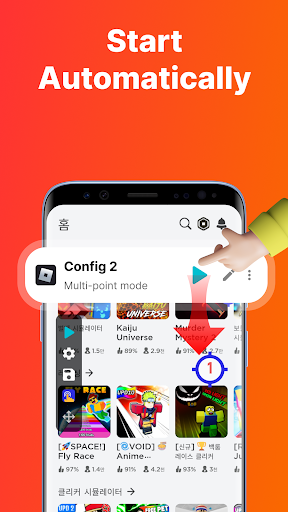
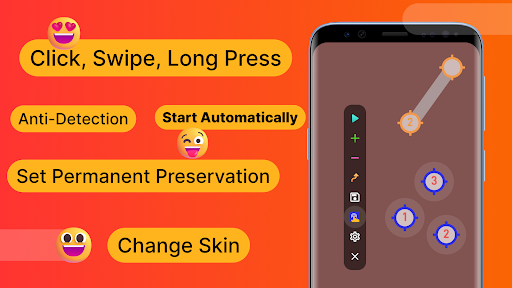
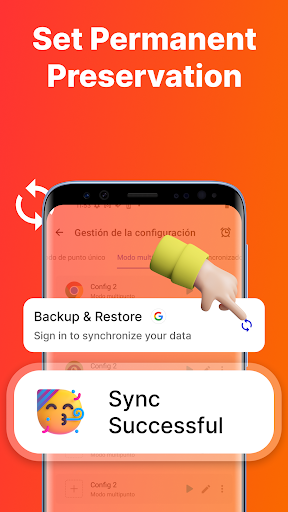
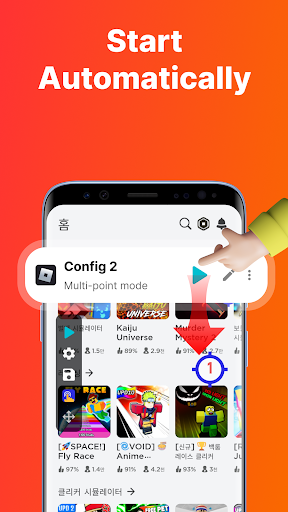
1. Time-Saving Efficiency: Auto Click - Automatic Clicker allows users to automate repetitive clicking tasks, significantly reducing manual effort and saving time that can be better used for other activities, thus enhancing productivity in tasks like gaming or data entry.
2. Customizable Clicking: The application offers a range of customization options, such as setting click intervals, choosing between single or double clicks, and determining click locations. This ensures that the tool can be tailored to meet the specific needs of various use cases.
3. User-Friendly Interface: With an intuitive design, Auto Click - Automatic Clicker is accessible to users of all skill levels. Quick setup and easy instructions mean even those with limited technical knowledge can easily automate their clicking tasks without a steep learning curve.
1. Battery Drain: Auto Click - Automatic Clicker can significantly deplete your device's battery due to constant screen interaction and running in the background.
2. Security Risks: Automated clicking can potentially expose your device to security vulnerabilities, especially if app permissions are not managed carefully or the app comes from an unreliable source.
3. Limited Task Variety: The application is designed for repetitive clicking tasks and may not be suitable for complex automation sequences that require varied inputs or sophisticated decision-making capabilities.