Google Photos is a versatile photo and video storage app developed by Google, designed to help users organize, store, and share their media files seamlessly. With features like automatic backup, intelligent search, and easy sharing options, Google Photos has become a popular choice for individuals looking to manage their digital memories efficiently. Available on both Android and iOS platforms, Google Photos offers a user-friendly interface and a range of tools to enhance the way users interact with their photos and videos.
Pros:
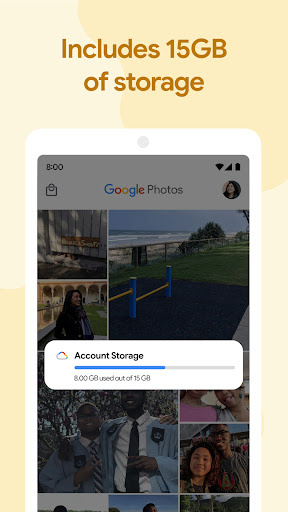
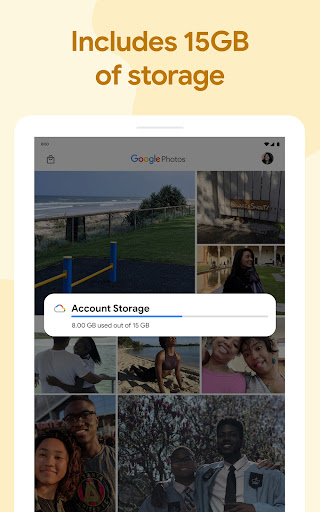
Unlimited Cloud Storage: Google Photos provides users with free unlimited storage for high-quality photos and videos, allowing them to securely back up their media files without worrying about running out of space.
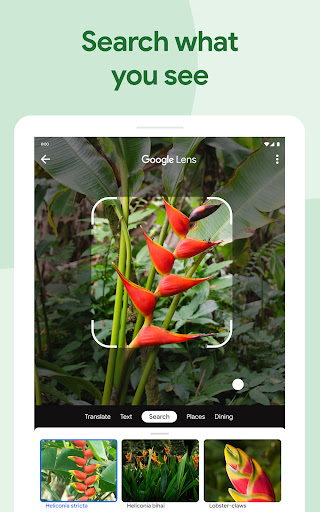
Smart Search and Organization: The app uses advanced algorithms to automatically organize photos based on people, places, and objects, making it easy to search for specific images or create albums without manual effort.
Easy Sharing Options: Users can effortlessly share photos and videos with friends and family through links, shared albums, or collaborative libraries, enabling seamless collaboration and social sharing.
Cons:
Compression for Full Resolution: While Google Photos offers free storage, high-quality photos and videos are compressed to save space, which may result in a slight loss of image quality for users who prefer to store files in their original resolution.
Privacy Concerns: Users may have privacy concerns about storing their photos and videos on a cloud service, as it involves sharing personal data with a third-party provider like Google.
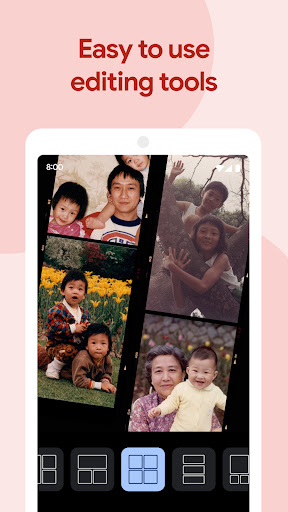
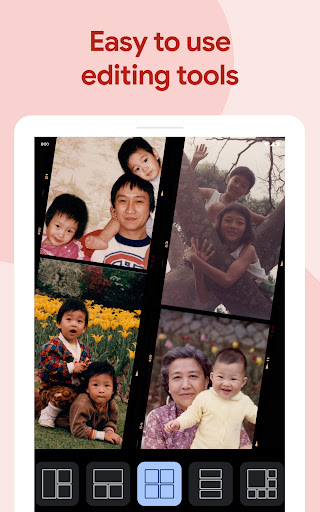
Limited Editing Features: While Google Photos provides basic editing tools like filters and cropping, users seeking more advanced editing options may find the app lacking in terms of comprehensive editing capabilities.
How to recover deleted photos in Google Photos?
To recover deleted photos in Google Photos, open the app, tap on the "Library" tab, select "Trash," choose the photos you want to recover, and then tap on the "Restore" button to move them back to your main library.
Can you access Google Photos offline?
Users can access their Google Photos offline by enabling the "Offline" feature for specific albums or photos. This allows users to view and manage their photos without an internet connection.
Is Google Photos free to use?
Google Photos offers a free version with unlimited storage for high-quality photos and videos. However, users have the option to upgrade to Google One for additional storage and premium features.