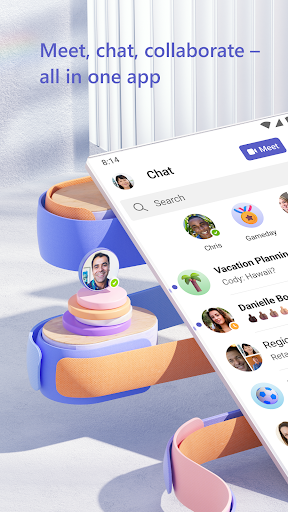
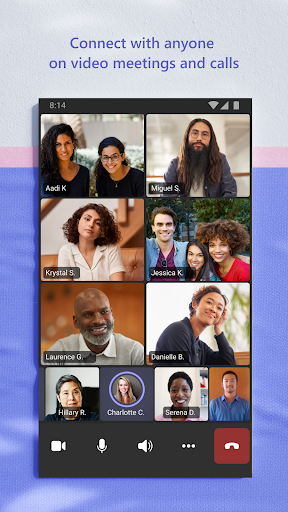
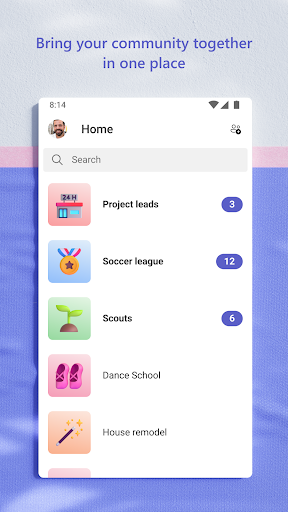
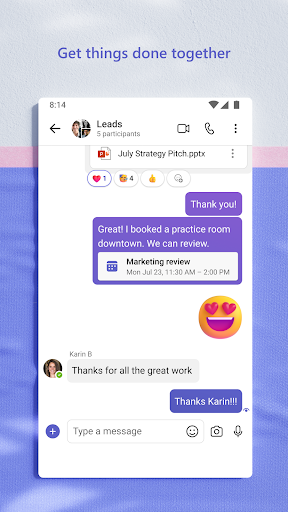
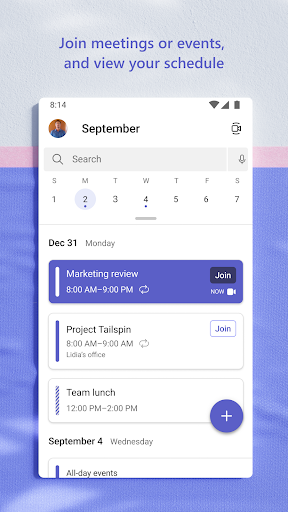
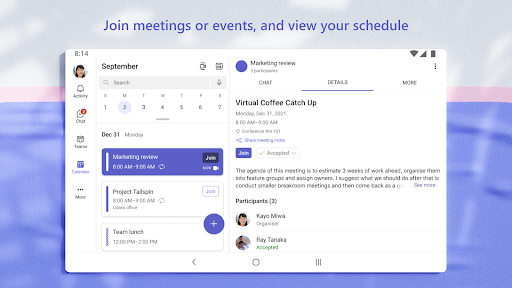
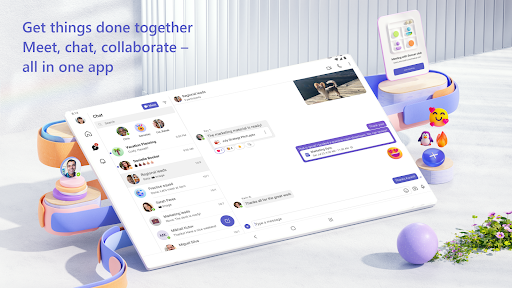
Microsoft Teams offers you brand new experience of online meeting. The latest updates include: the ability to turn on live captions during a group call or meeting, the option to add music when PSTN callers are on hold, support for vibration and tone alerts for incoming calls received while in the middle of another call.
Microsoft Teams is a popular tool that helps companies improve communication and collaboration between employees. It has gained increasing popularity in the past few weeks due to the self-quarantine caused by the COVID-19 pandemic. At the time of writing this review, Teams has reached the 44 million user milestone.
Microsoft Teams made another improvement in the app and now users are allowed to send video clips to others and record and edit them within Microsoft Teams. Though the video cannot be longer than 1 minute, it will be enough for most users' everyday needs, and it will be more labor-saving than switching among different apps to just record and edit a video. Besides, users also can send video easily and quickly anytime they want without leaving the conversation.
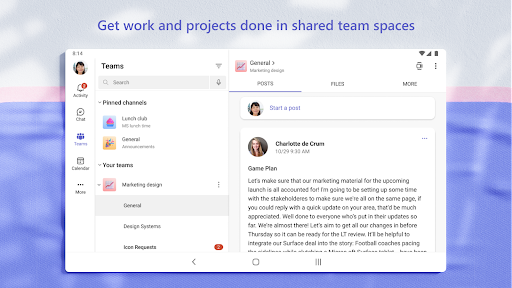
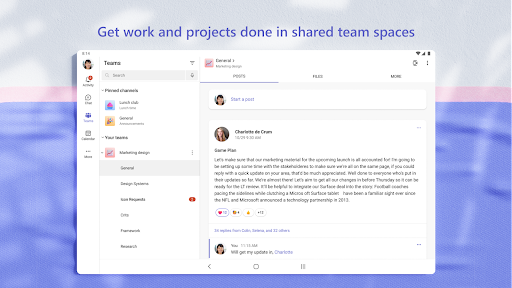
Easily manage your team’s projects with file editing and sharing on the go
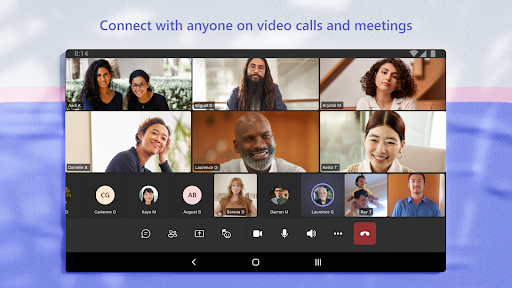
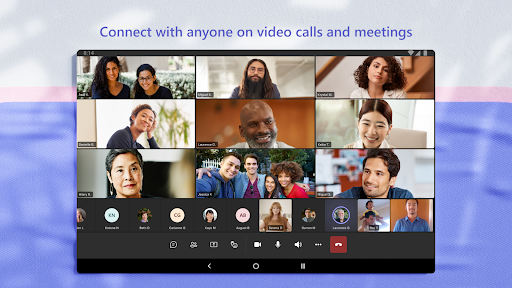
Connect face-to-face with HD audio and video, and join meetings from almost anywhere
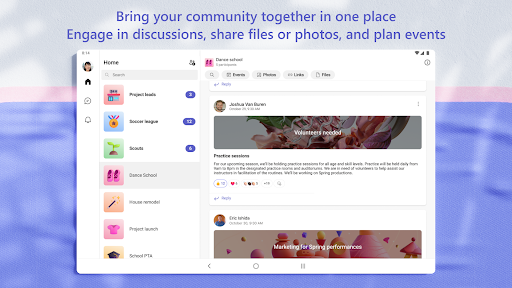
Chat privately or in groups, and communicate with the entire team in dedicated channels
Mention individual team members, or the whole team at once, to get your colleagues’ attention
Focus on what matters most by saving important conversations and customizing your notifications
Get the enterprise-level security and compliance you expect from Office 365
Highly customizable
Integrated with other Microsoft Office apps
Plentiful integration options
Only convenient to use in a Microsoft-centric environment
Compartmentalized design gives an air of formality and rule-following that may inhibit open dialogue
If you’re an Android user and don’t download the app from the official Google Play Store, you may find the installation process more complicated than usual.
But we are delighted to inform you that you don’t need to worry. To ensure you could install this app smoothly, we have written and uploaded a detailed tutorial. It would guide you on installing an app after downloading it from our website step by step, with the help of pictures.
You may find this helpful article on the downloading site, or visit How to install APK/XAPK files on Android.
If you need further help, please do not hesitate to contact us via email [email protected].
We fully understand your concern about safety. We agree that one person wouldn’t be too careful in the cyber world. Meanwhile, we are happy to tell you that one of our priorities is to provide our users with safe app files that they can use without any worries.
We guarantee that all the app files we provided originate from official and reliable sources. We promise that they do not contain any malware that will harm your hardware or the safety of your privacy.
We are glad to let you know that the vast majority of apps on our website are available for free download. Only a small selection of apps require payment, and their prices are set solely by the respective developers—we simply provide an official and secure download platform.
Rest assured, whether an app is free or paid, every download link on our site is verified and completely safe. You can download with confidence, and no account registration is needed—just click the download button and you're all set!
Recently we received a lot of emails from our users, which said they couldn't log in for different reasons, such as "forgot the user name or password" or "had a new phone." We are willing to help you out. Please read the notes below to see what we can do.
To answer this question, please first let us know which account you’re referring to.
If you're referring to your account of some app, like your Facebook account or your Youtube account. Unfortunately, we would not be able to help in this case. We would suggest you turn to the customer service of this application.
If you’re referring to your Appurse account, we should apologize for your confusion since there is no Appurse account. We never require registration for our service, and you will not find any procedure related to creating an account or registering on our website.
This question is essentially quite similar to the prior one. It’s a pity that we are unable to help you to cancel the subscription to a third-party application directly, while we would suggest you to contact its customer service for further information.
Sorry that we are unable to help you to get a refund from a third-party application directly. If you wish to get a refund from a third-party app, we would suggest you to contact its customer service. We would be happy to provide you the way to contact them.
If you want a refund from us, we should apologize for your confusion. Our service is 100% free, and any payment information is not required.
If you run into any site that asks you to provide your payment information, be careful. Remember never reveal your payment information to any unauthorized third parties, no matter how attempting their offer may seem.
Sorry that we cannot answer this question directly, for this only aims to answer some general questions. You may find how to use a certain app by checking our review page.