Microsoft Teams offers you brand new experience of online meeting. The latest updates include: the ability to turn on live captions during a group call or meeting, the option to add music when PSTN callers are on hold, support for vibration and tone alerts for incoming calls received while in the middle of another call.
Microsoft Teams is a popular tool that helps companies improve communication and collaboration between employees. It has gained increasing popularity in the past few weeks due to the self-quarantine caused by the COVID-19 pandemic. At the time of writing this review, Teams has reached the 44 million user milestone.
Microsoft Teams made another improvement in the app and now users are allowed to send video clips to others and record and edit them within Microsoft Teams. Though the video cannot be longer than 1 minute, it will be enough for most users' everyday needs, and it will be more labor-saving than switching among different apps to just record and edit a video. Besides, users also can send video easily and quickly anytime they want without leaving the conversation.
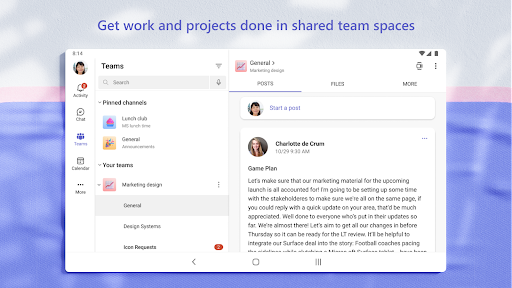
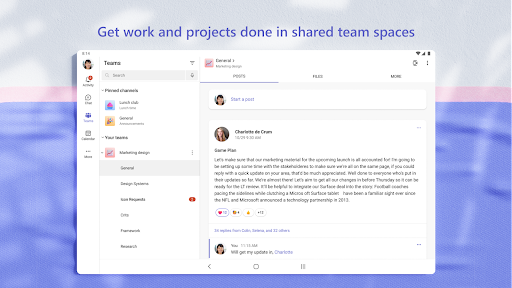
Easily manage your team’s projects with file editing and sharing on the go
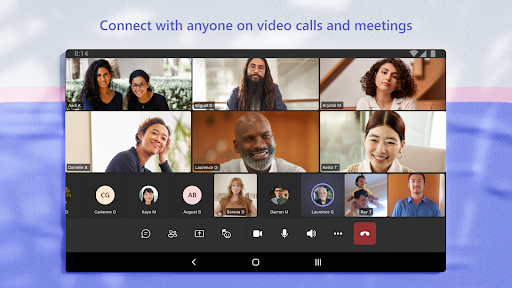
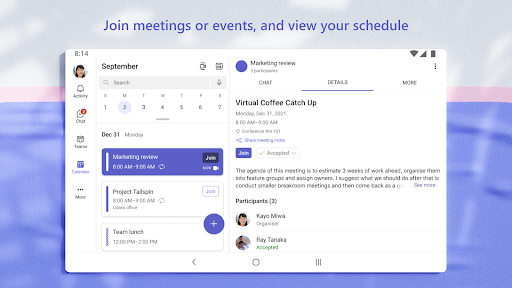
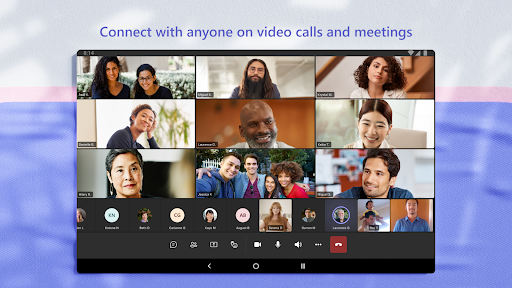
Connect face-to-face with HD audio and video, and join meetings from almost anywhere
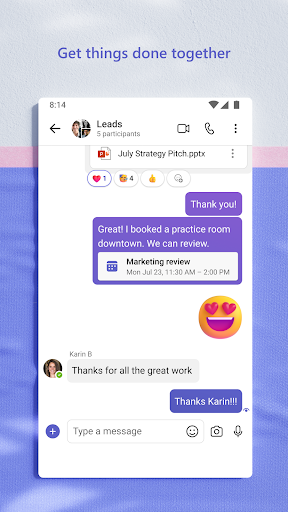
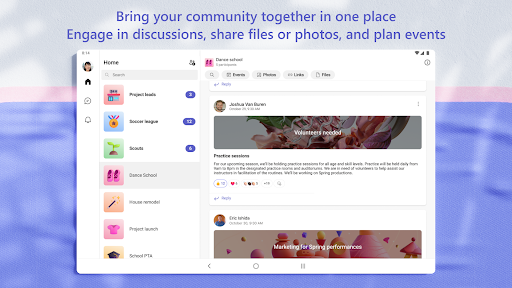
Chat privately or in groups, and communicate with the entire team in dedicated channels
Mention individual team members, or the whole team at once, to get your colleagues’ attention
Focus on what matters most by saving important conversations and customizing your notifications
Get the enterprise-level security and compliance you expect from Office 365
Highly customizable
Integrated with other Microsoft Office apps
Plentiful integration options
Only convenient to use in a Microsoft-centric environment
Compartmentalized design gives an air of formality and rule-following that may inhibit open dialogue