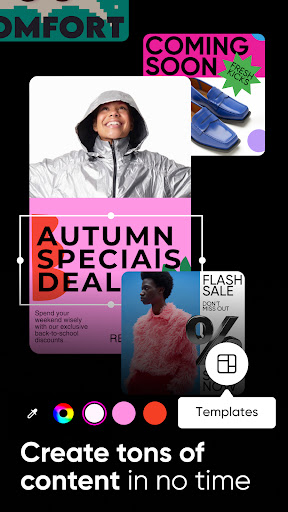
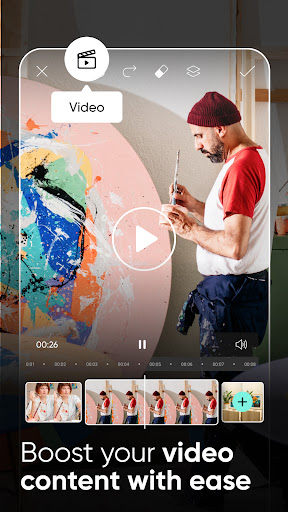
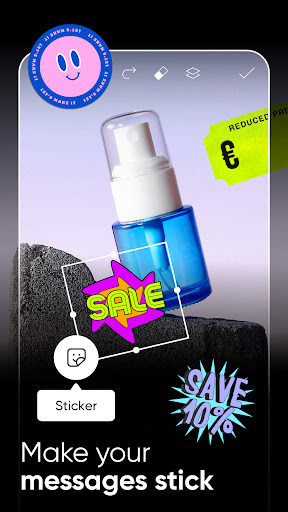
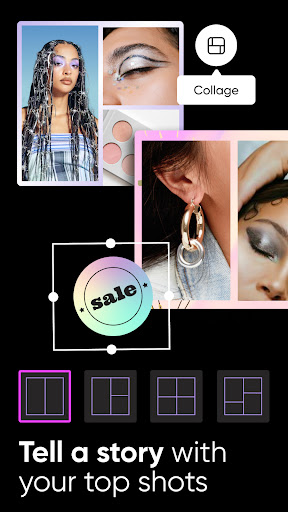
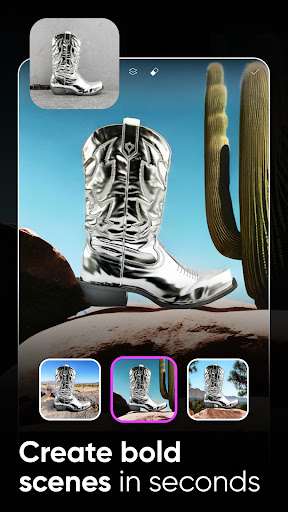
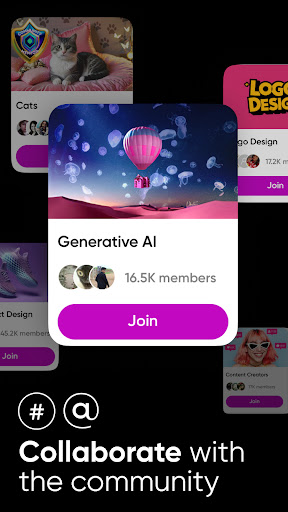
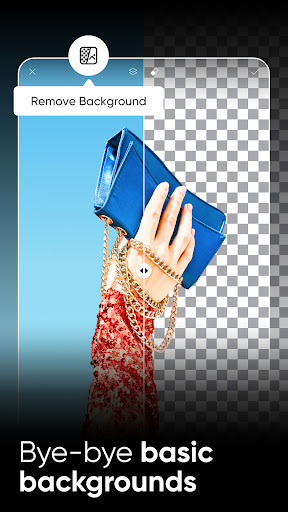
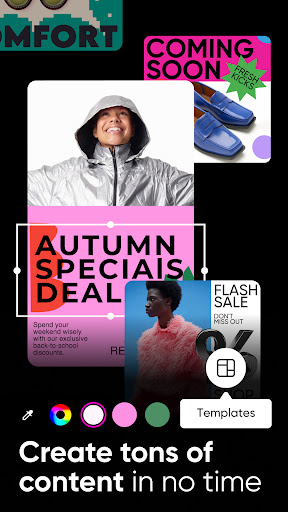
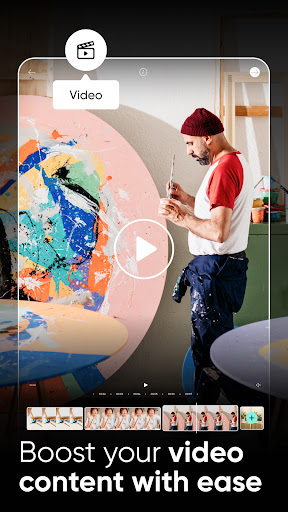
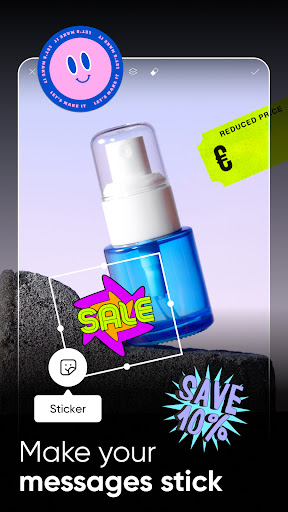
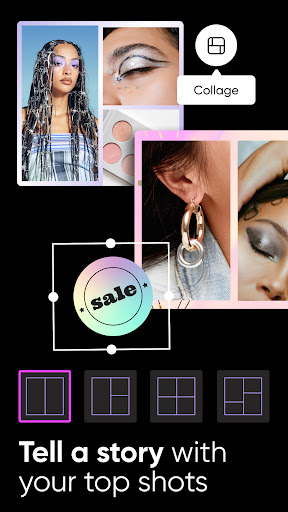
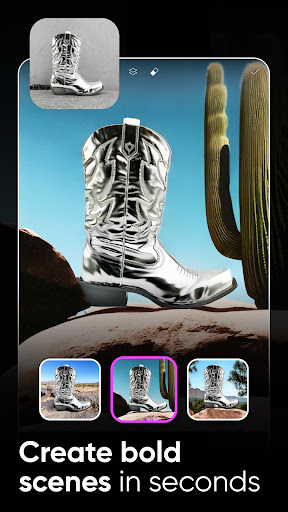
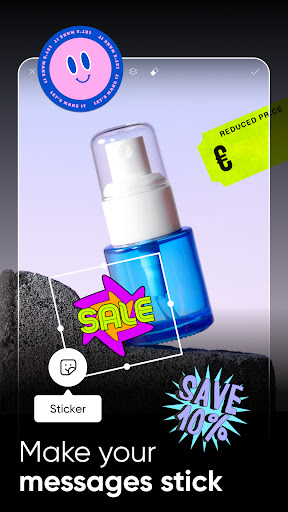
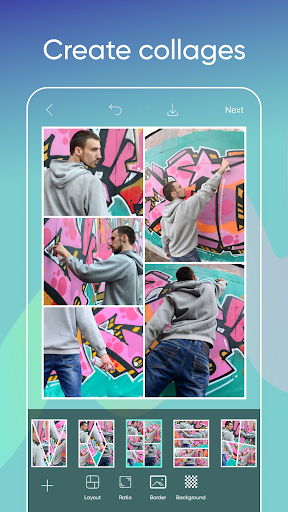
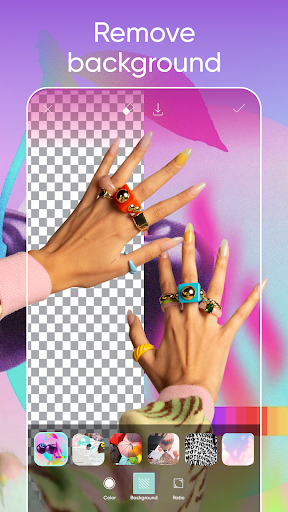
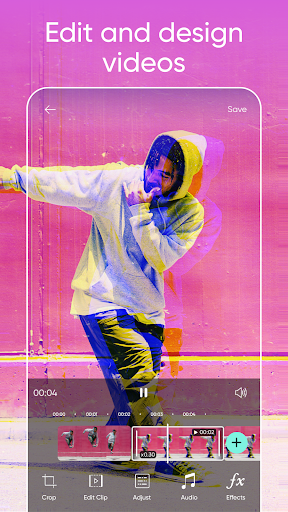
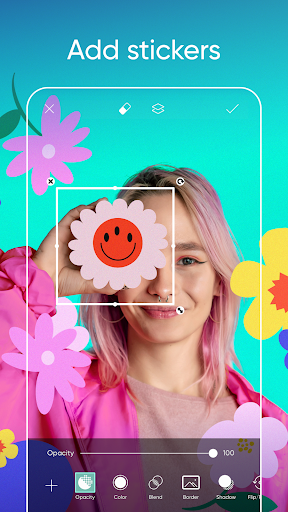
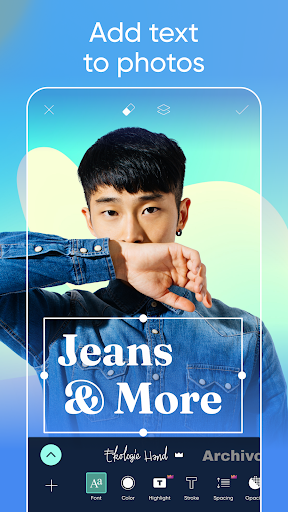
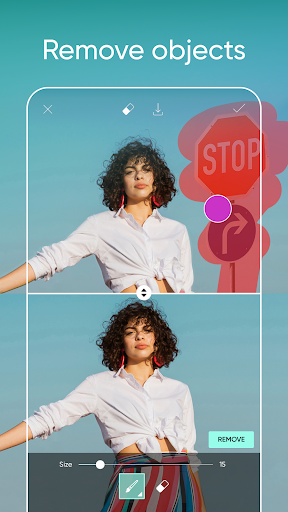
PicsArt is a versatile photo editing and creative app that offers a wide range of tools and features to enhance and transform your photos and videos. With over 1 billion downloads worldwide, PicsArt has gained popularity for its user-friendly interface, creative possibilities, and vibrant community of creators. From photo editing and collage making to drawing and graphic design, PicsArt provides users with a comprehensive platform to unleash their creativity and express themselves visually.
Pros:
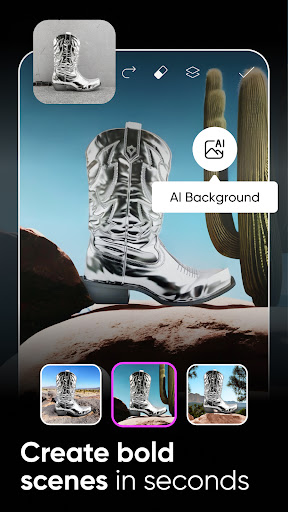
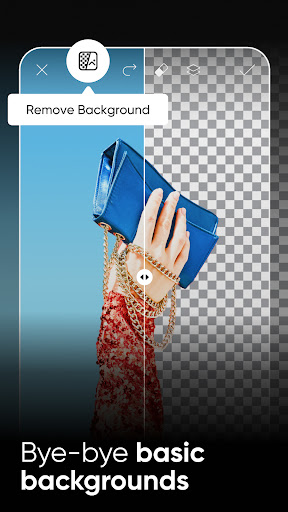
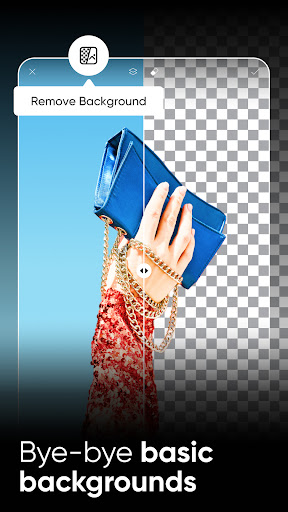
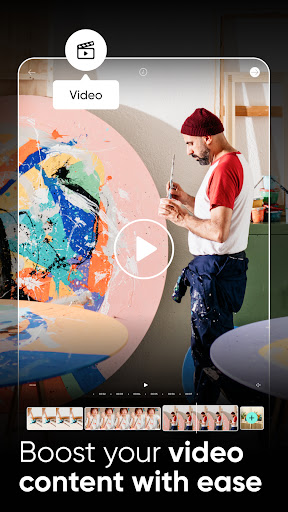
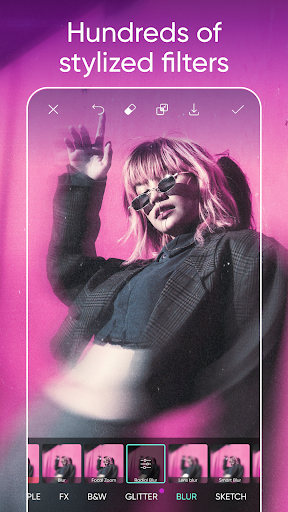
Powerful Editing Tools: PicsArt offers a diverse set of editing tools, including filters, effects, brushes, and more, allowing users to enhance their photos and videos with professional-looking results.
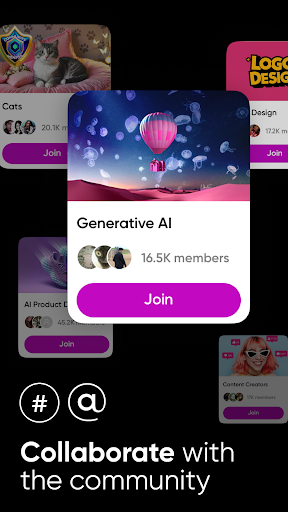
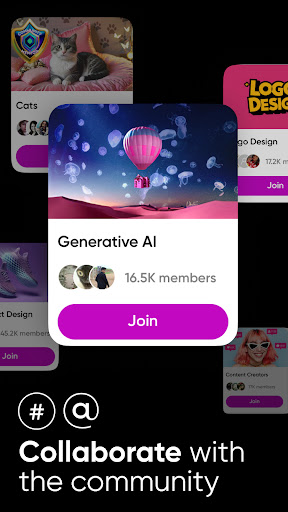
Creative Community: Users can explore a vibrant community of artists and creators on PicsArt, share their work, participate in challenges, and collaborate with others to inspire and be inspired.
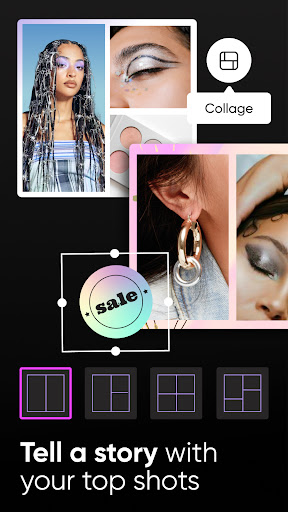
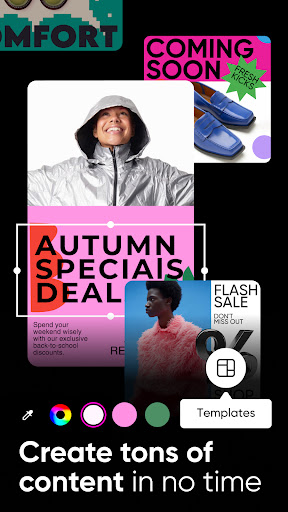
Customizable Templates and Collages: The app provides a variety of customizable templates and collage options, making it easy for users to create stunning visual compositions and share them on social media.
Cons:
Subscription Model: Some advanced features and content on PicsArt may require a subscription, which could be a drawback for users looking for a completely free editing experience.
Learning Curve: Due to the app's extensive features and tools, new users may find it overwhelming or challenging to navigate initially, requiring time to familiarize themselves with all the functionalities.
In-app Ads: While PicsArt offers a free version, users may encounter advertisements within the app, which can be disruptive to the editing process and user experience.
How to use the Magic Effects feature on PicsArt?
To use the Magic Effects feature on PicsArt, open the app, select a photo, and tap on the Magic Effects icon. Choose from a variety of effects and adjust the intensity to apply them to your photo.
Can you create GIFs on PicsArt?
Users can create GIFs on PicsArt by selecting the GIF option in the editing tools, adding images or videos, customizing the animation settings, and saving the final GIF to share.